inPACKAGE Studio
SELECT · CONFIGURE · BUILD
Turn apps, files, folders and scripts into deployment-ready .pkg installers,
step by step, with Apple’s own packaging tools.
How it works
- 01
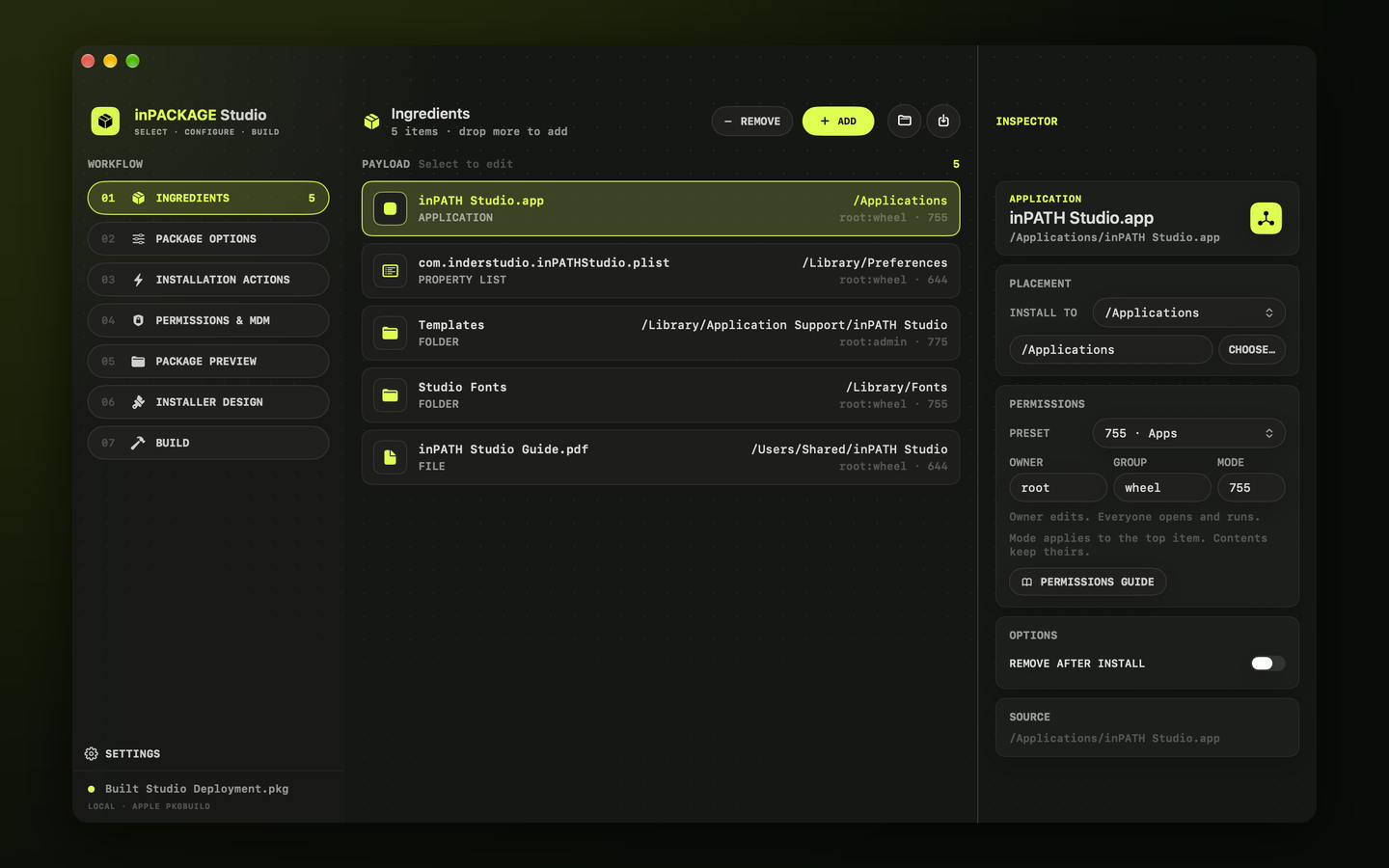
Add your ingredients
Drag in apps, installers, folders, property lists, scripts and files, and give each a destination, owner and permissions.
- 02
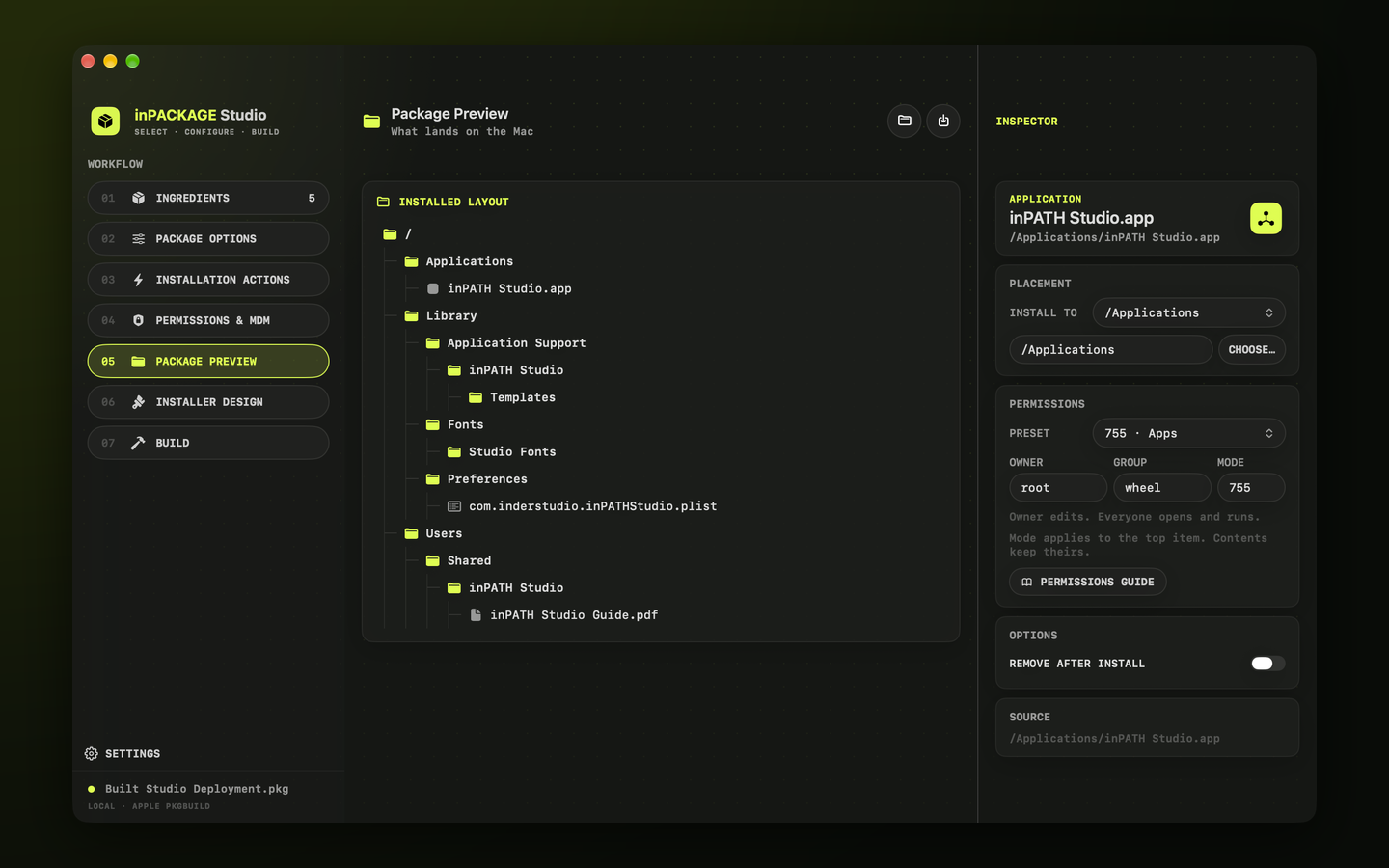
See what lands on the Mac
The payload takes shape as a Finder-style tree, so every file’s final place is clear before you build.
- 03
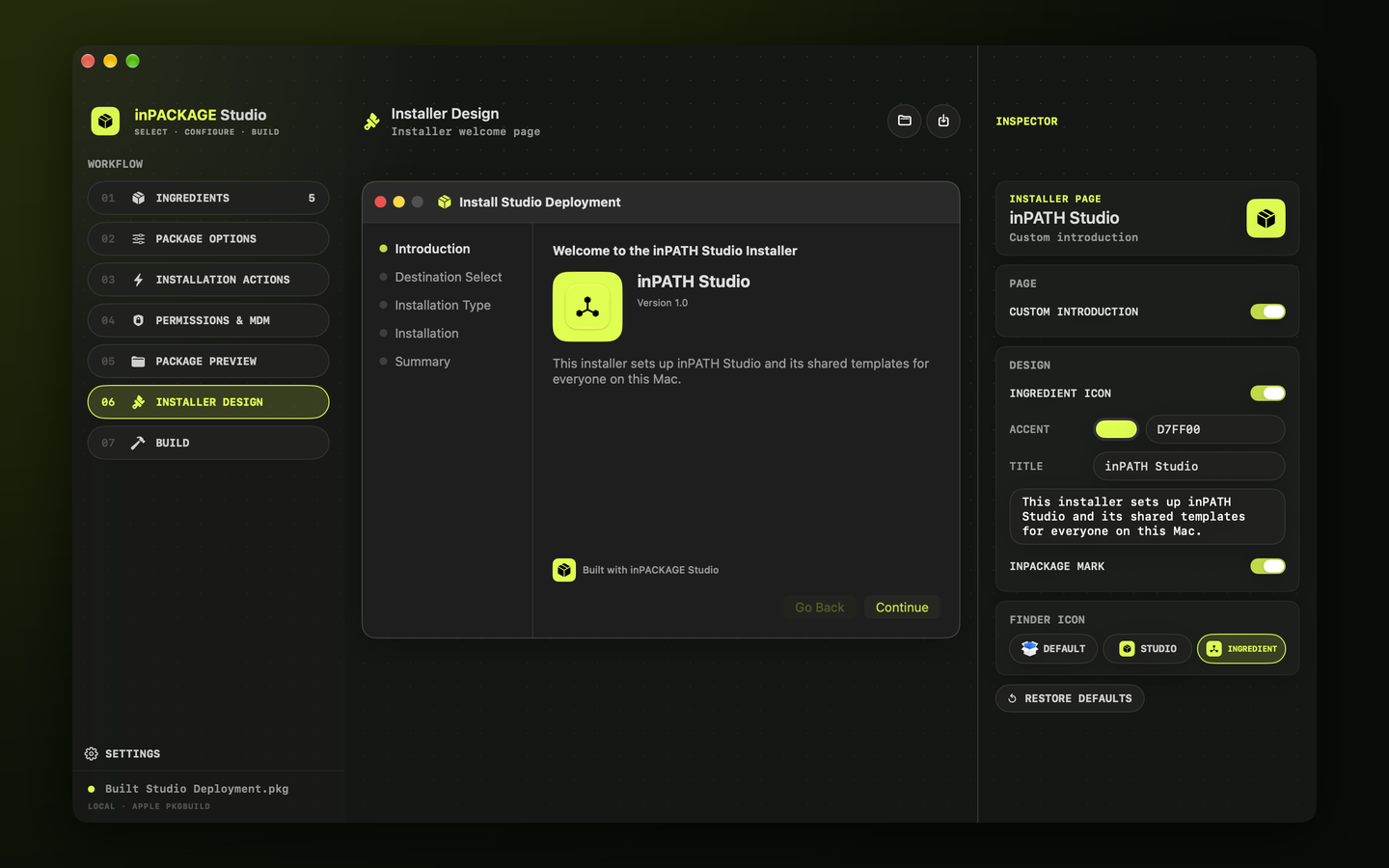
Brand the installer
Design an optional Introduction page for the macOS Installer with your icon, colour and message.
- 04
Build, sign and check
Build with pkgbuild and productbuild, optionally sign with your own installer certificate, and follow every step in the log.
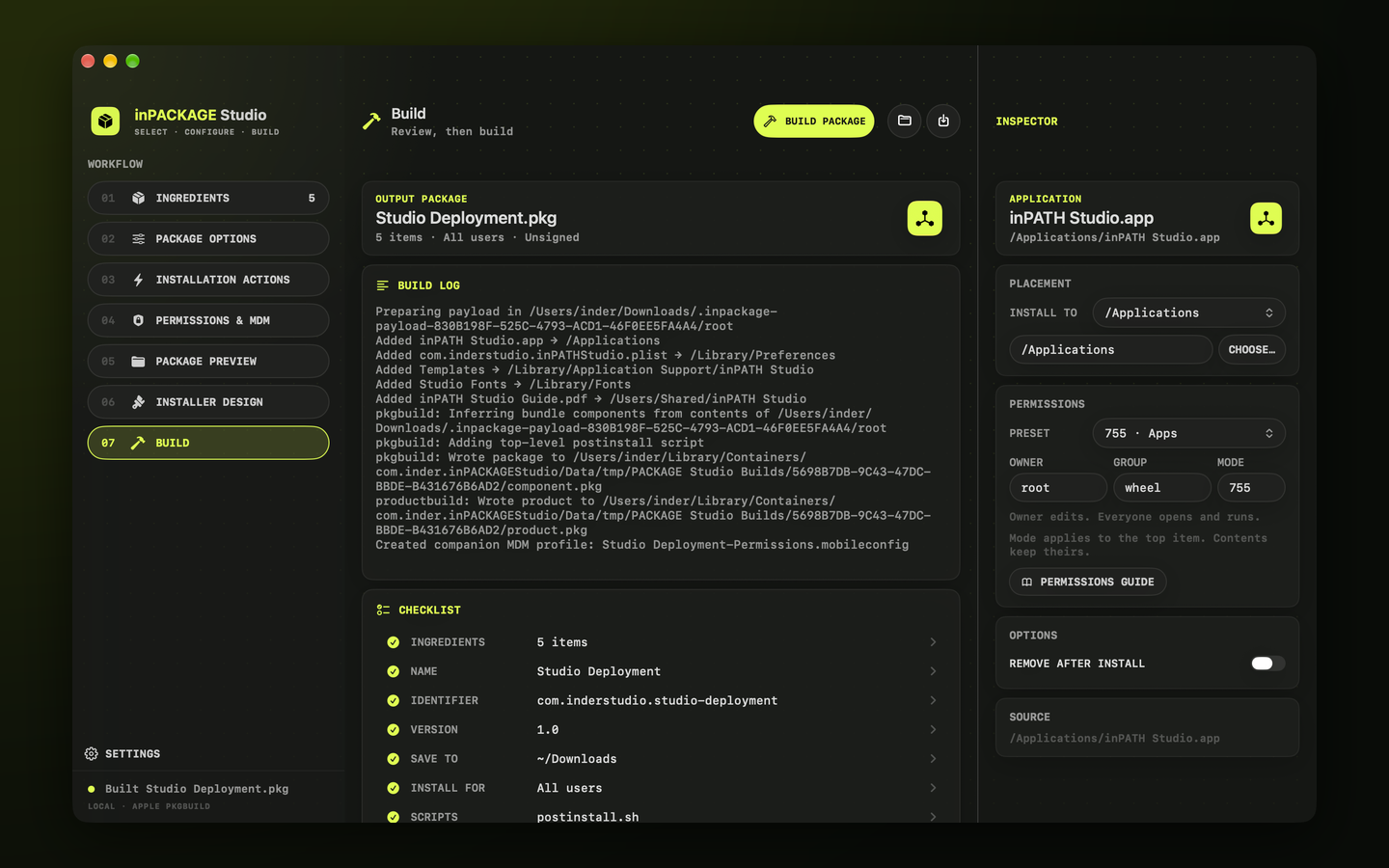
Seven clear steps
- From ingredients to a finished .pkg, no scripting required
- Per-item destinations, ownership and permissions
- Live payload preview
- Pre- and postinstall scripts, folders, launch and restart options
- A custom Installer Introduction page
Ready to deploy
- Optional signing with your own certificate, and a signature check
- A starter PPPC .mobileconfig for your MDM
- Reusable .inpackage projects
- An in-app Guide (Help → inPACKAGE Studio Guide)
- Everything stays on your Mac: no account, no uploads
Details
- Version
- 1.0
- Requires
- macOS 26 or later
- Category
- Developer Tools
- Builds
- .pkg, signed or unsigned
- Data
- Not collected